Setting up a cab that feels like home
Comfort in the game starts with a few careful adjustments. This guide covers seat position, mirrors, controls and sound so your evening drives feel smooth rather than fiddly.
Why seat position matters
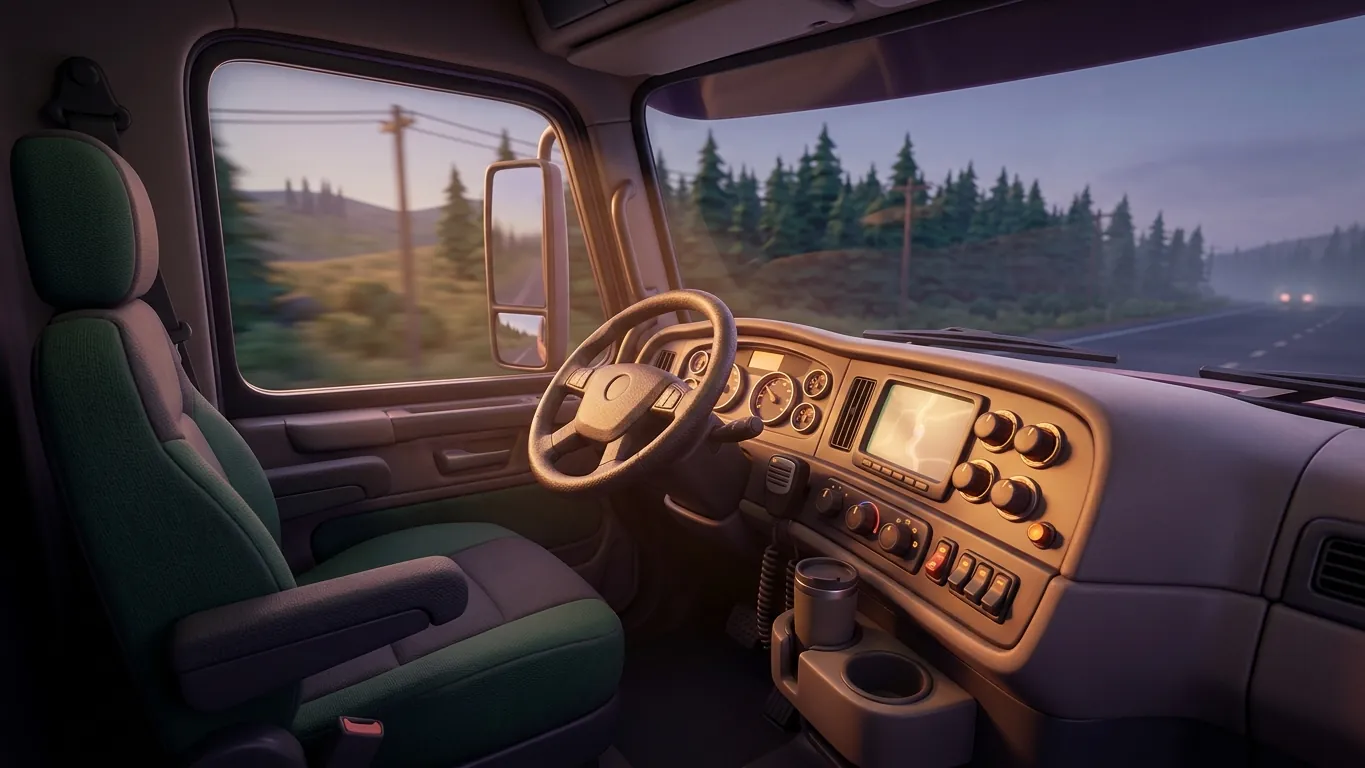
The interior camera is where most relaxed players spend their time, and its default position does not suit everyone. Euro Truck Simulator 2 lets you adjust the seat height and distance from the dashboard, along with the field of view. Small changes here make a big difference to how natural driving feels.
A good starting point is a seat position where you can see the road surface a short distance in front of the cab and still read the general layout of the dashboard. Too high, and the truck feels like a tower. Too low, and junctions become guesswork. Field of view depends on your screen size and distance, so try a few values and keep the one that makes speed feel believable rather than rushed or sluggish.
Mirrors you can actually use
Mirrors are essential for lane changes, reversing and keeping an eye on your trailer in tight bends. Adjust each one so it shows a thin strip of your own trailer along the inner edge and plenty of the neighbouring lane. That way you always know where the trailer sits relative to the road.
The game also offers mirror quality settings in the graphics menu. Higher settings look sharper but may cost performance on some systems. If the game feels less smooth on busy roads, mirror detail is one of the settings worth testing. A stable, steady picture is far more relaxing than maximum sharpness with occasional stutters.
Controls: keyboard, gamepad or wheel
You do not need special hardware to enjoy the game. On a keyboard, smooth steering settings and an automatic gearbox help reduce twitchy movements. Mouse steering is another option many keyboard players find more precise once they get used to it.
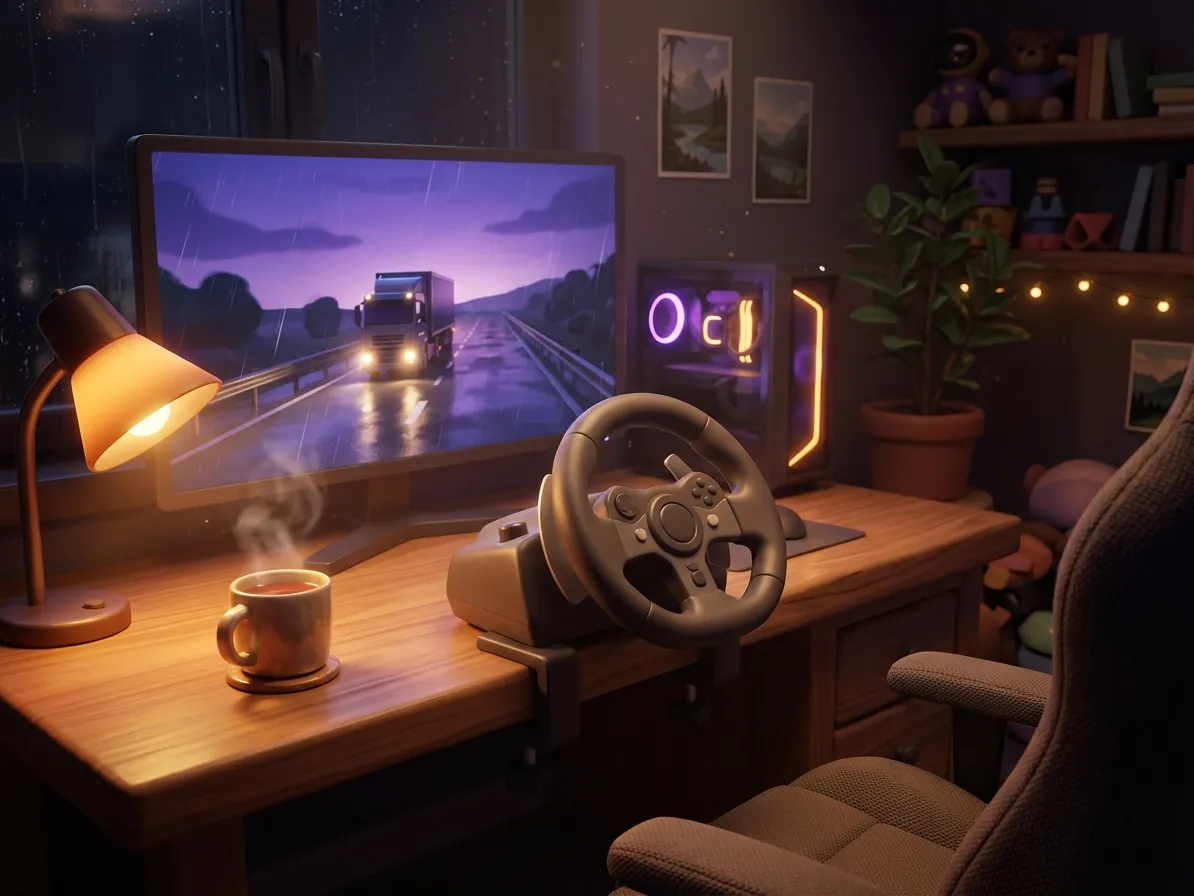
A gamepad offers analogue steering and throttle, which makes gentle acceleration easier. Spend a little time with the sensitivity and dead zone options so small stick movements do not cause the truck to wander. With a steering wheel, the experience becomes more physical. Adjust rotation and force feedback until steering feels weighted but not tiring. Whatever you use, take time to map lights, indicators, wipers, cruise control and the engine brake to buttons you can reach without thinking.
Sound and the radio
Sound shapes the mood of every drive. Some players prefer only the engine, the tyres and the rain on the windscreen. Others like a quiet radio in the background. The game includes a radio feature that can play internet radio streams, and you can also play your own music files through it.
Balance the volume levels in the audio settings so the engine remains audible over music. Hearing the engine helps you sense when to shift or ease off, and it adds to the feeling of being in a real machine. On long evening runs, a lower overall volume often feels more restful than a loud, immersive mix.
Small comforts that add up
Beyond the main settings, a few small habits make long sessions more pleasant. Take short real breaks when you stop for virtual fuel, adjust your chair and screen so your neck stays relaxed, and keep the room lighting soft rather than completely dark to reduce eye strain.
Within the game, cruise control on long motorway stretches lets your hands and feet rest. Consider turning on the speed limiter if you want an easy way to stay within reasonable speeds. None of these changes are dramatic on their own, but together they turn a cab that feels like a workplace into one that feels like home.
Related articles
 Driving through rain and night without stress
Calm, practical advice for night and rain driving in Euro Truck Simulator 2: lights, visibility, speed, spacing and when to stop for a rest.
Read more
 Planning long routes with rest stops and ferries
A guide to planning long Euro Truck Simulator 2 journeys: reading the map, timing fuel and rest stops, ferries and keeping deliveries relaxed.
Read more
 Looking after your truck and enjoying the workshop
How to look after your truck in Euro Truck Simulator 2: avoiding damage, repairs, sensible workshop upgrades, paint choices and garage life.
Read more